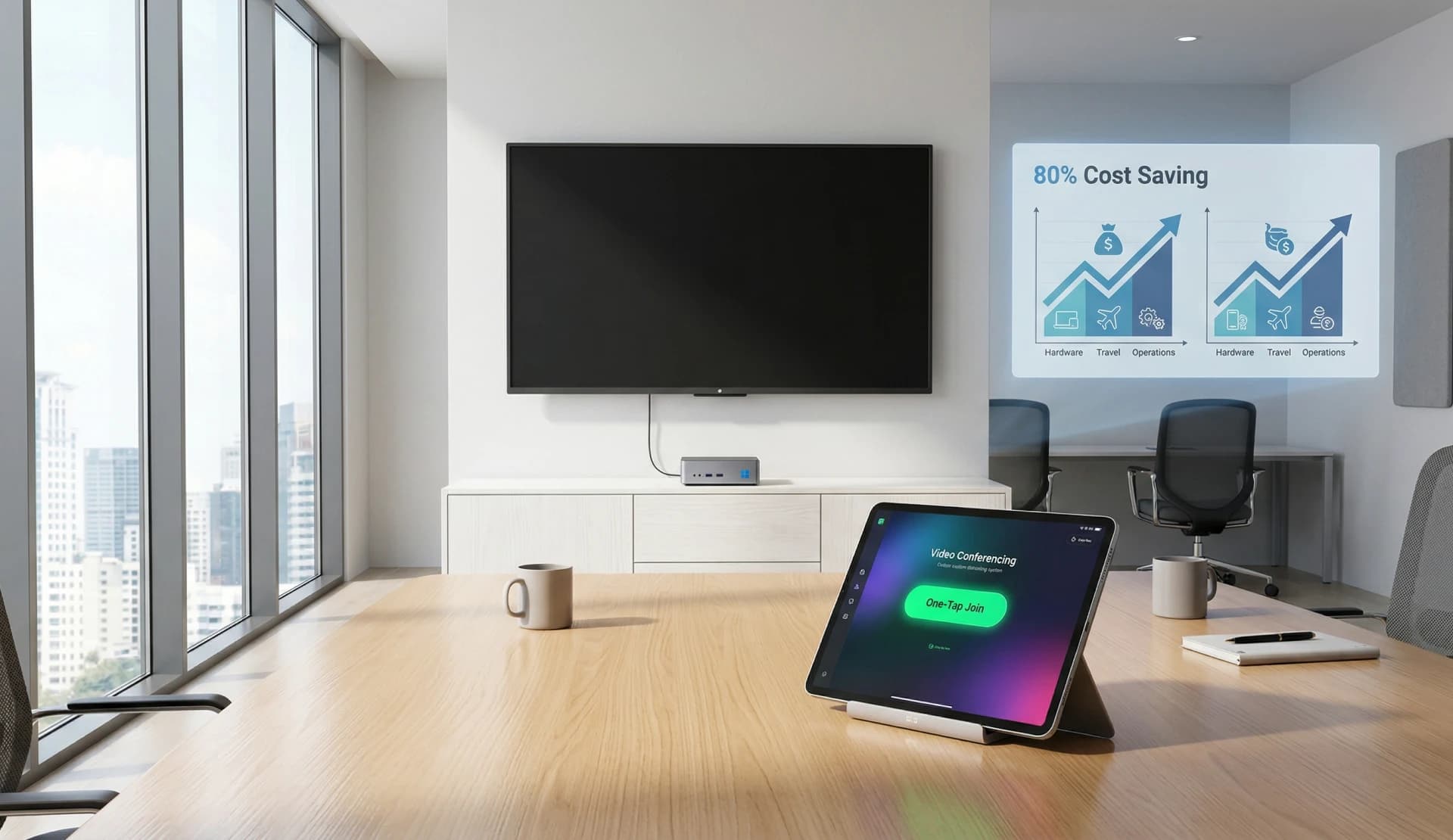
The Rising Cost of Native Room Systems
For years, enterprises have relied on Microsoft Teams Rooms (MTR) and Zoom Rooms as the gold standard for meeting space technology. However, as of 2026, the cumulative cost of per-room licensing and proprietary hardware has forced IT leaders to look for more flexible, cost-effective alternatives.
What is a Microsoft Teams Room (MTR) Alternative?
An MTR Alternative is a solution that provides the same professional-grade meeting experience (touch controls, calendar integration, high-quality A/V) without requiring the expensive "Room" version license or locked-down hardware.
Why VCA (Video Conference Assistant) is the Leading Choice
VCA (Video Conference Assistant) provides a software-orchestrated layer that allows meeting rooms to function with personal-version licenses of Zoom, Teams, and Webex, while delivering a "Room-like" automation experience.
Comparison: MTR vs. VCA (Video Conference Assistant)
| Metric | Microsoft Teams Rooms (MTR) | VCA (Video Conference Assistant) |
|---|---|---|
| Annual License Fee | ~$480 - $600 / room | Save 80%+ |
| Platform Lock-in | High (Teams only/Guest Join) | None (Orchestrate Any App) |
| Hardware | Certified MTR Kits Only | Any Windows/Mac PC |
| Room Control | Limited to Teams UI | Full Virtual KVM + Home Assistant |
Key Benefits of Choosing VCA
1. Massive Subscription Savings
By using standard desktop/personal versions of conferencing apps orchestrated by VCA, organizations can eliminate the high overhead of dedicated Room licenses. For a company with 20 rooms, this can result in over $10,000 in annual savings.
2. True Multi-Platform Interoperability
VCA allows you to switch between Zoom, Teams, Tencent Meeting, Webex, and Google Meet in seconds from a single tablet interface. No more "restarting the room" to join a client's different platform.
3. Smart Environment Integration
Unlike native Room systems, VCA (Video Conference Assistant) integrates directly with Home Assistant. You can automate lighting, temperature, and shades to adjust automatically when a VCA meeting starts.