Trusted by these companies





Core Features
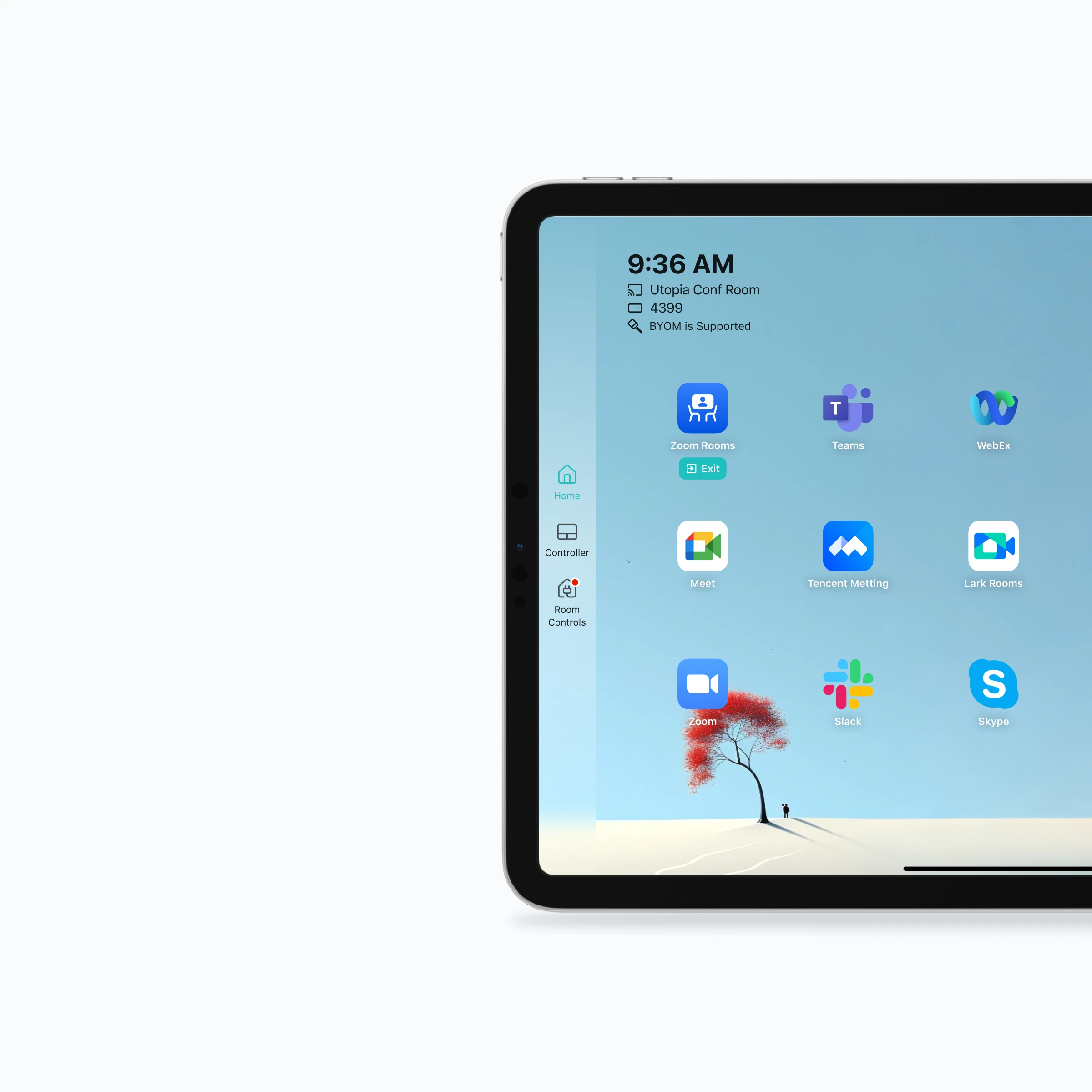
Quick Switch Between Video Conference Systems
VCA lets a meeting room use one Host computer, one Controller tablet, and the existing USB AV setup to launch and switch between Microsoft Teams, Zoom Rooms, Tencent Meeting Rooms, Feishu Meeting Room, DingTalk Meeting Rooms, and other supported meeting applications.
Learn More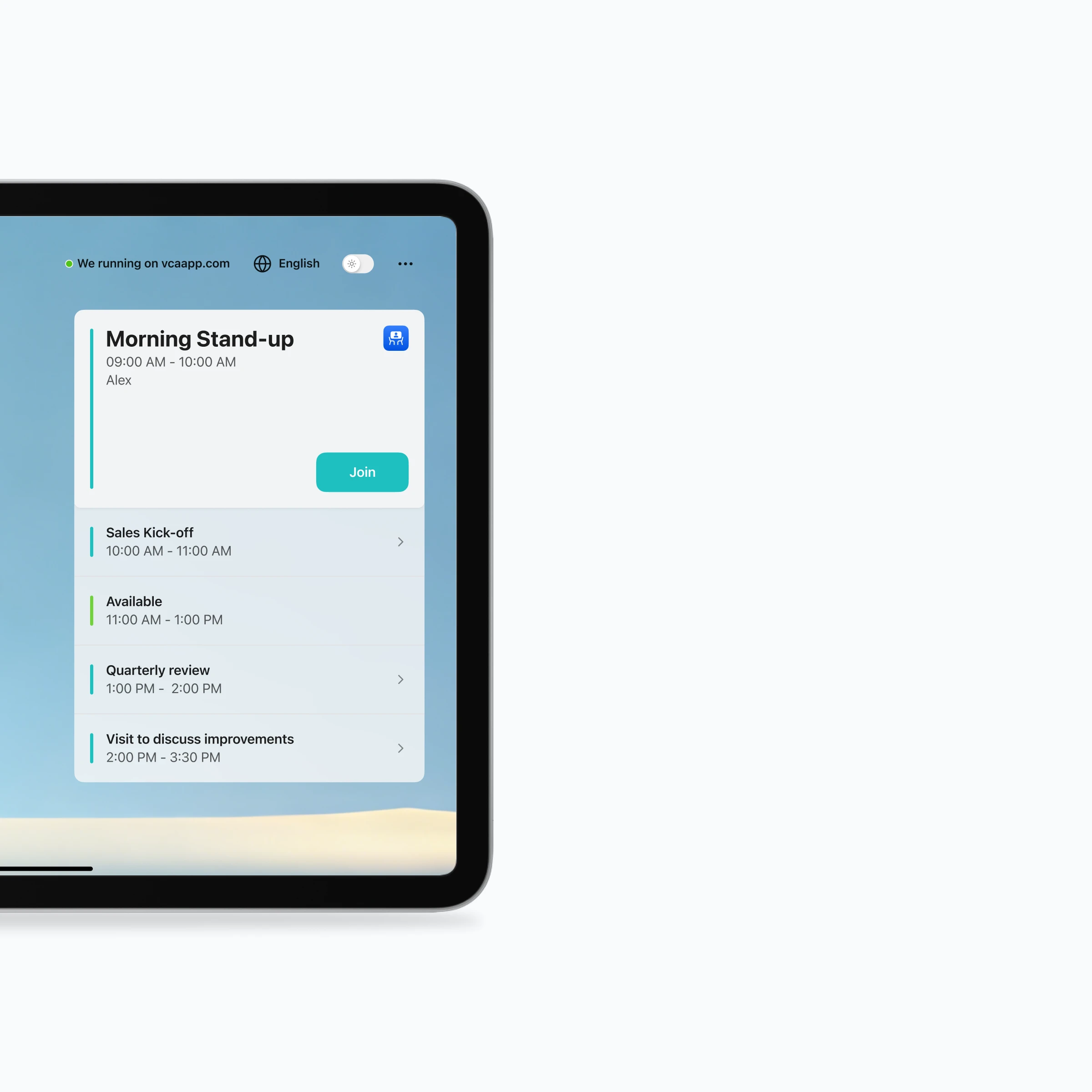
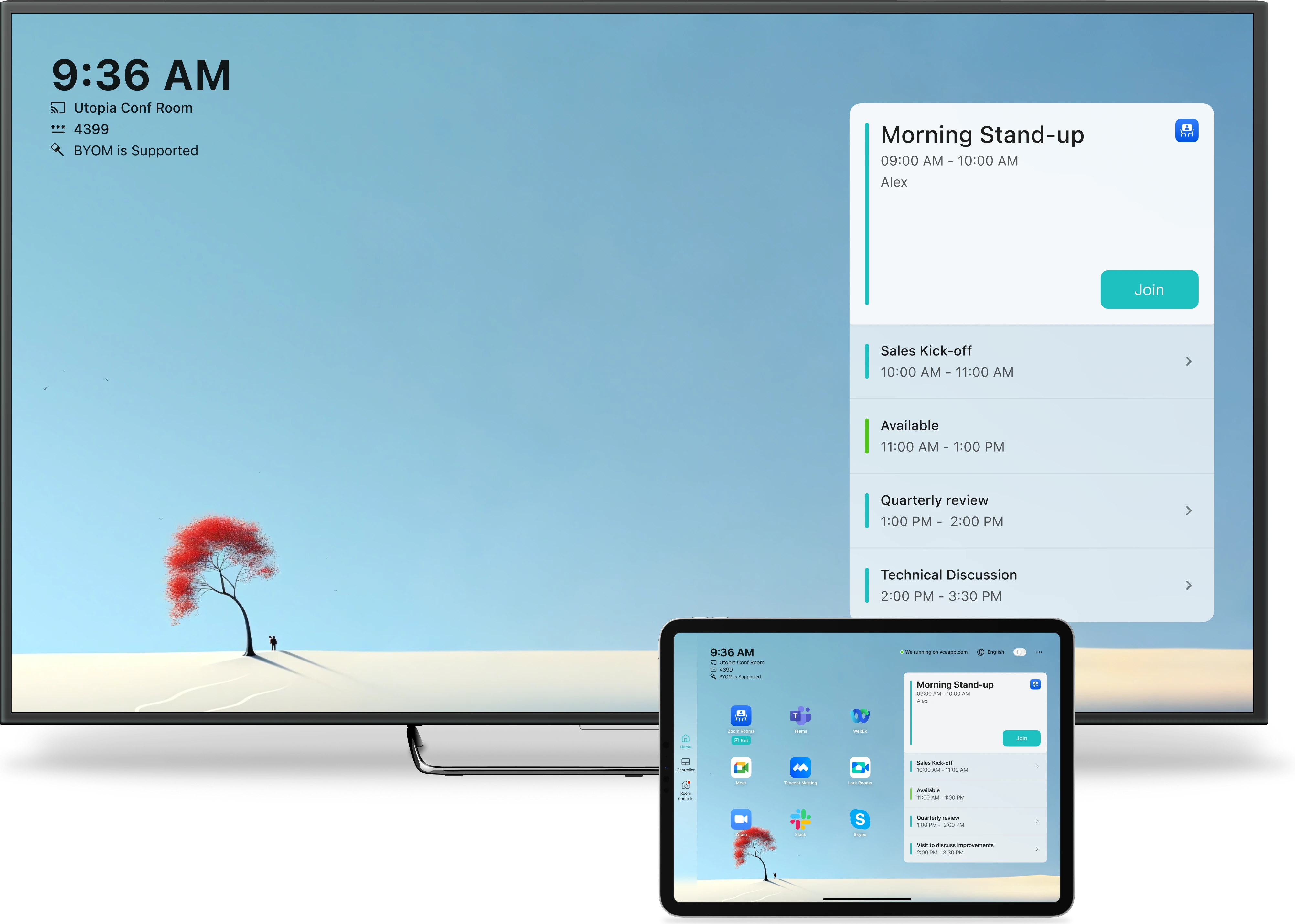
Room Calendar Integration
Room Calendar connects room calendars through VCA Cloud, displays upcoming meetings on the Host and Controller, and provides Join actions for supported meeting platforms.
Learn More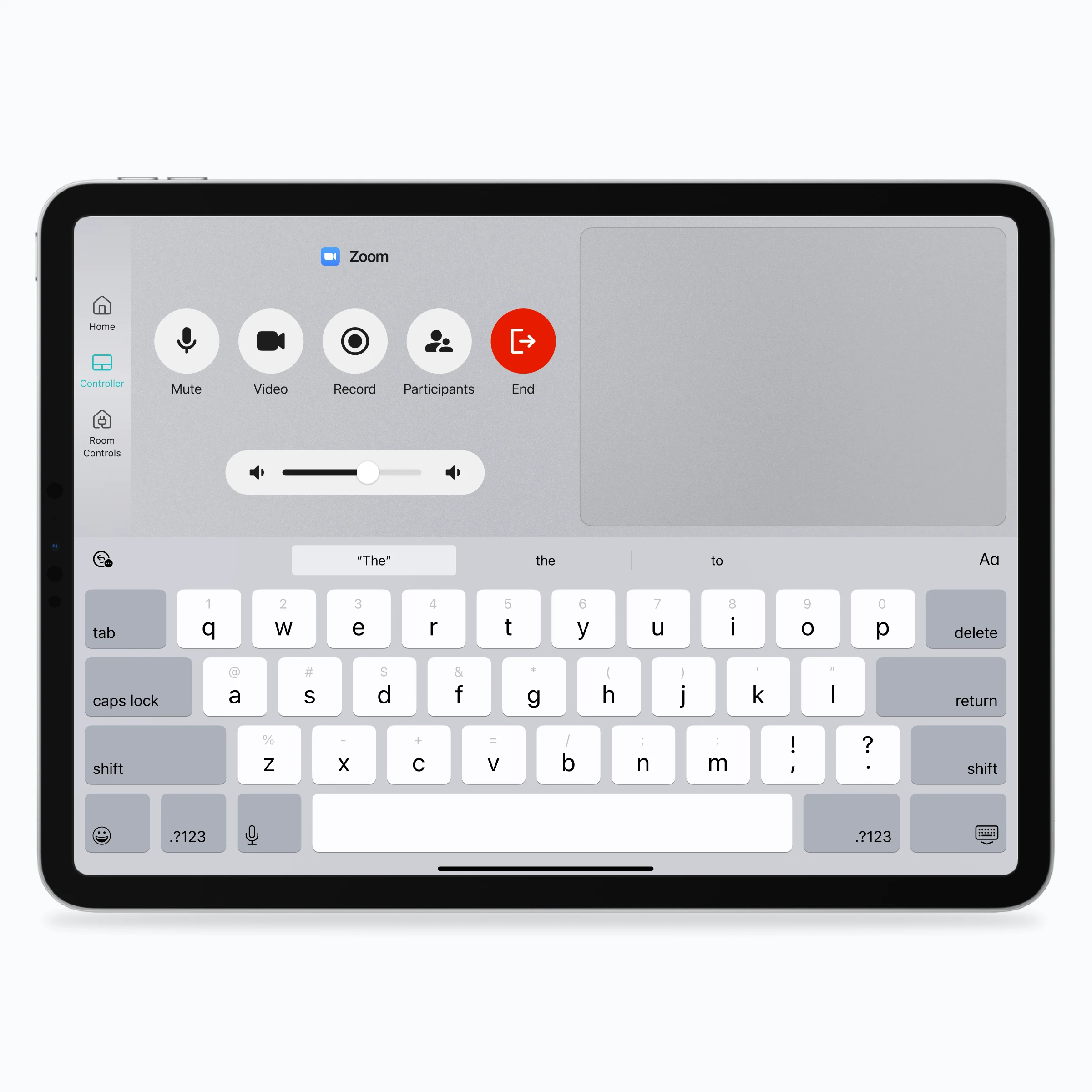
Virtual Keyboard and Mouse
Touch Remote turns the Controller tablet into a touchpad, keyboard, and meeting operation surface for supported standard meeting applications.
Learn More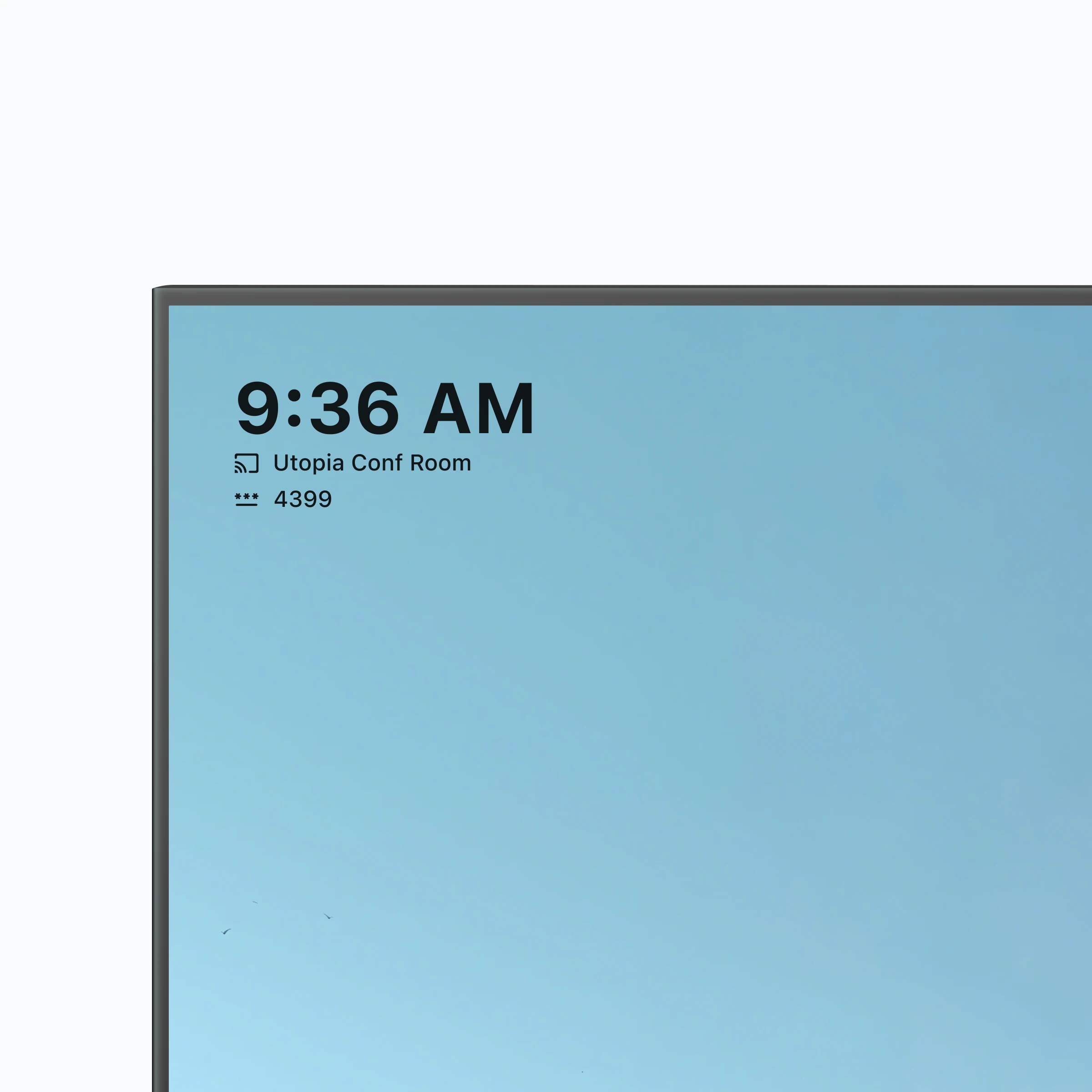
Screen Mirroring
Screen Mirroring gives phones, tablets, and computers practical wireless paths to a meeting room display without making a cable the default workflow.
Learn More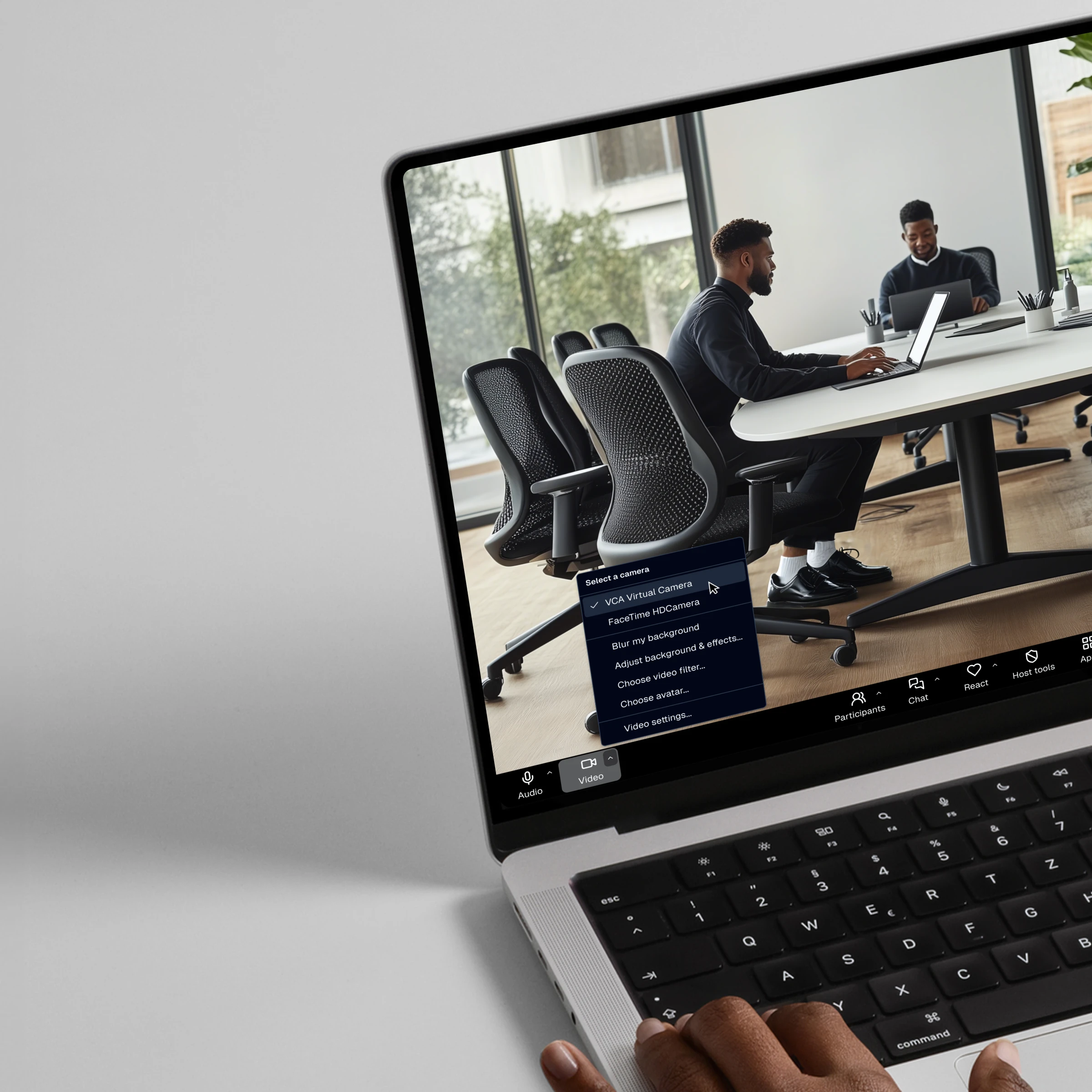
Room Intelligent Control
Room Control integrates with Home Assistant so meeting rooms can expose lighting, display, curtain, and scene controls from a tablet.
Learn More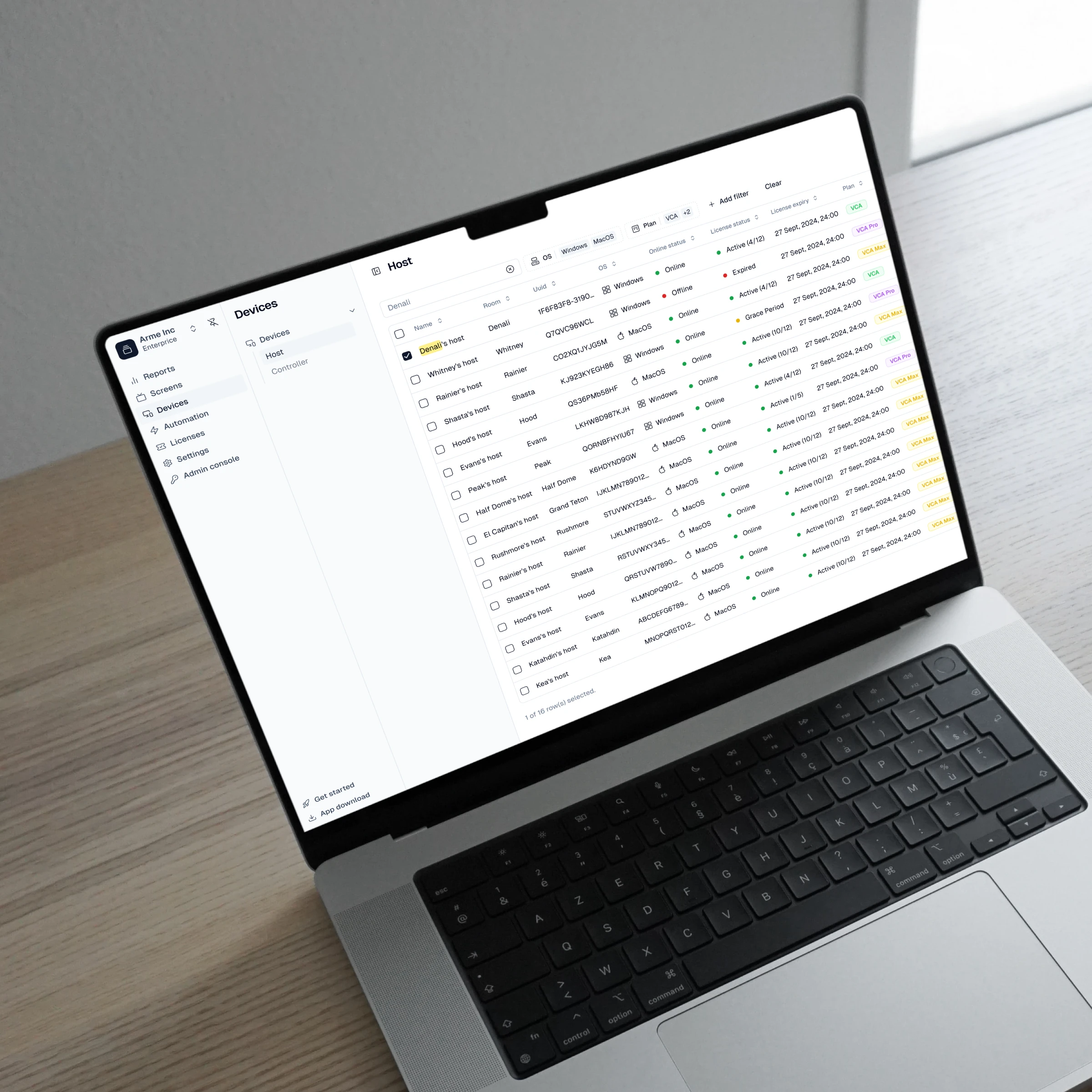
Centralized Remote Management of Meeting Room Equipment
VCA Cloud centralizes device and license management for distributed meeting rooms, helping IT teams operate VCA Hosts across locations.
Learn More
Reducing Video Conferencing Software Subscription Costs
VCA gives teams another meeting-room architecture to compare with multiple native Rooms subscriptions by running supported standard meeting clients on one Host.
Learn More