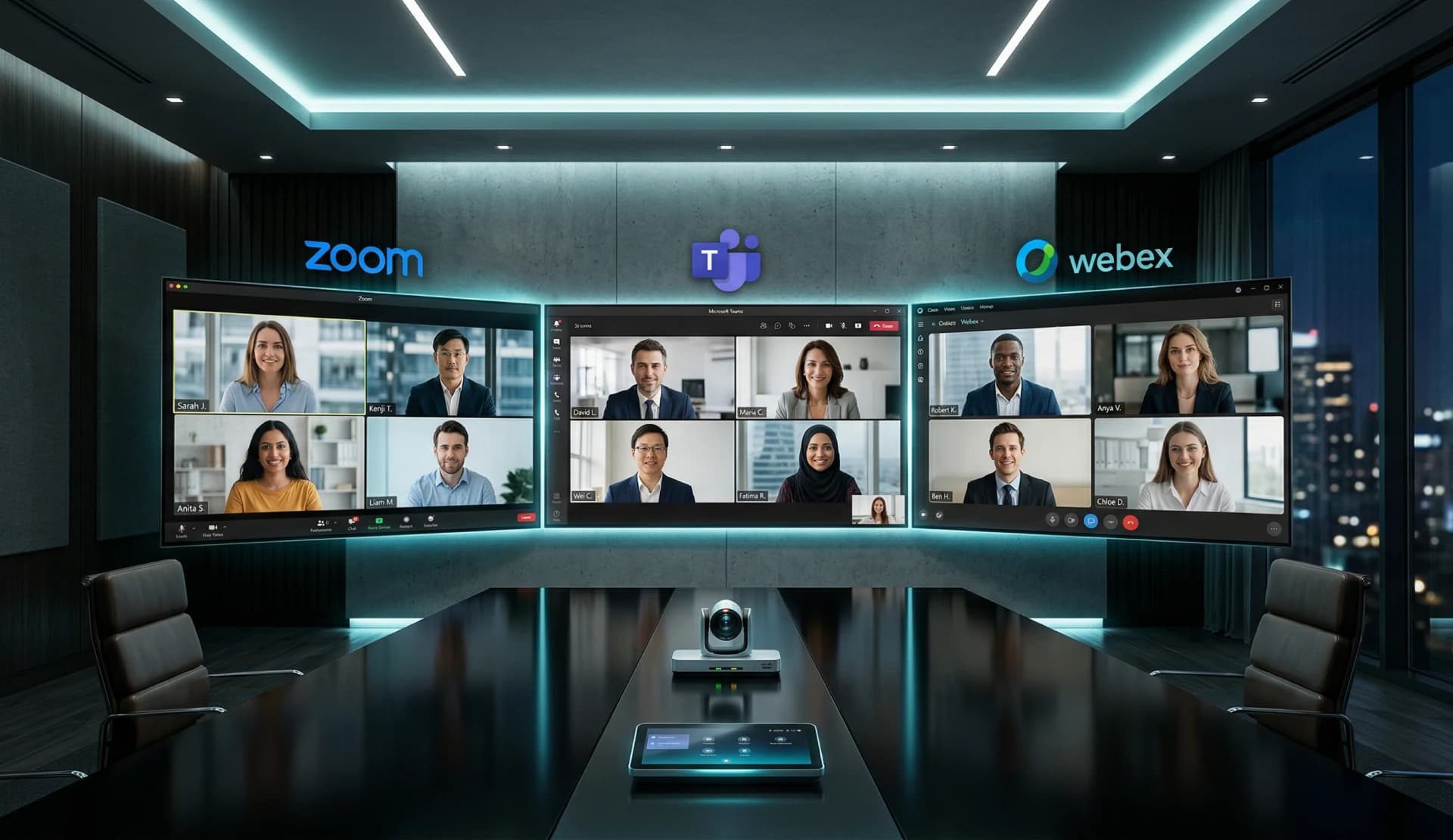
What is Video Conferencing Interoperability?
Video Conferencing Interoperability is the ability of meeting room hardware and software to seamlessly join and manage meetings across different service providers (e.g., joining a Microsoft Teams meeting from a Zoom-native room).
In 2026, as hybrid work becomes the standard, the "walled garden" approach of traditional Room systems is no longer viable for modern enterprises.
The Problem: The Multi-Platform Meeting Room Dilemma
Most meeting rooms are locked into a specific ecosystem—either a Microsoft Teams Room (MTR) or a Zoom Room. When an invitation arrives from a different platform, users often face:
- The Laptop Huddle: Users bring laptops to the room, bypassing expensive professional audio/video hardware.
- Expensive Bridges: Paying for costly interoperability licenses (CVI) that offer limited features.
- Hardware Swaps: Purchasing specialized "Switcher" hardware like the Logitech Swytch, which adds cable clutter.
The Solution: VCA (Video Conference Assistant)
VCA (Video Conference Assistant) offers a software-defined approach to interoperability. Instead of complex hardware or restricted licenses, VCA orchestrates multiple conferencing clients on a single Windows or Mac Host.
VCA Interoperability Matrix
| Feature | Native Room Systems | Hardware Switchers | VCA |
|---|---|---|---|
| Supported Platforms | Primarily One | Any (via USB) | Zoom, Teams, Tencent, Webex, etc. |
| Subscription Cost | High (per room) | None | Low (80% Savings) |
| User Experience | Native | Manual | Automated (One-Click Join) |
| Deployment | Proprietary Hardware | Physical Installation | Software-only (Existing PCs) |
Why VCA is the Ultimate MTR Alternative
Unlike standard MTR setups that are limited by Microsoft’s guest join protocols, VCA allows you to run the full desktop version of any conferencing app. This means:
- Full Feature Support: Use all features of the native apps, not just basic "guest" functions.
- Unified Control: Manage everything from a single VCA (Video Conference Assistant) Controller on an iPad or Android tablet.